
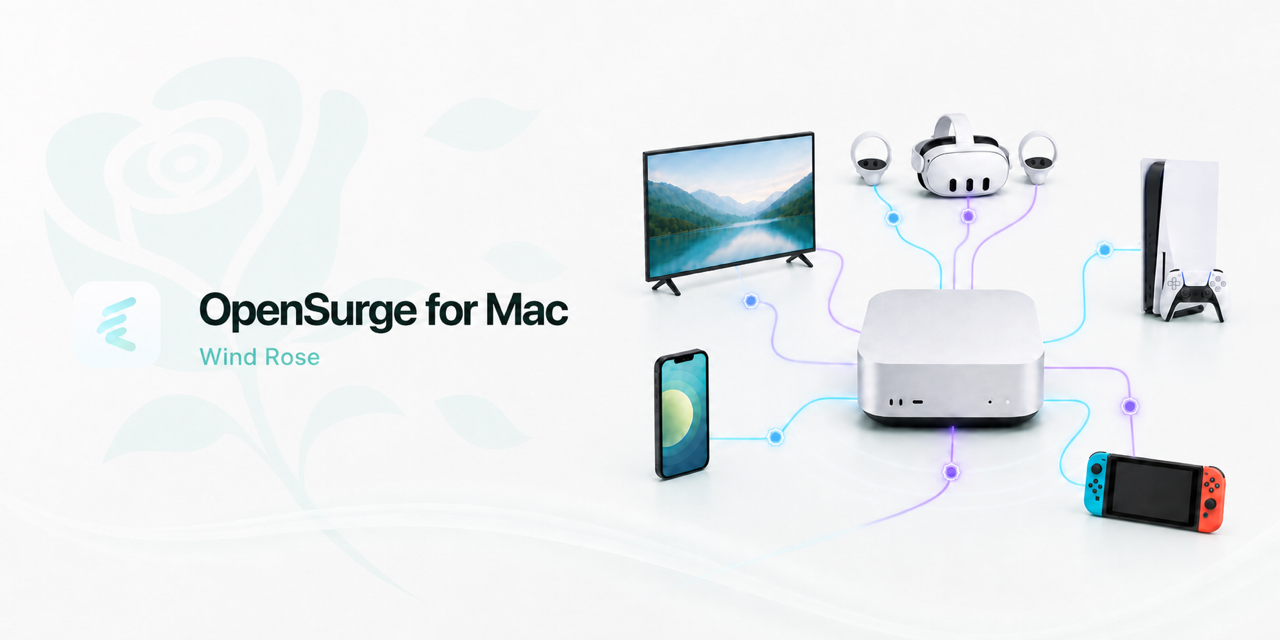
A routing choice should follow the device
When you give a TV its own exit or send one computer’s work traffic through a particular route, that choice is about the device and the application. Modern clients also choose between IPv4 and IPv6 as they connect. A gateway needs to account for both paths to make that device-level choice useful.
Wind Rose extends OpenSurge’s device-policy model to downstream IPv6. With the client’s IPv6 route configured through the Mac, its TCP and UDP connections can use the same device rules and outbound choices as its IPv4 traffic.
Build the ingress around macOS
The established mihomo TUN path handles Mac-local transparent traffic and downstream IPv4. For downstream IPv6, OpenSurge adds a packet broker using macOS BPF on the selected physical interface. It sends IPv6 packets to a dedicated listener in the project’s patched mihomo build, where a gVisor userspace stack handles TCP and UDP.
These two ingress paths converge at rules and outbound selection. The separation lets OpenSurge handle the different ways traffic arrives on macOS while keeping the controls familiar: select a device, edit its routing rules and inspect its connections.
Carry device identity with the packet
IPv6 clients can have several addresses and can rotate them over time. The broker therefore carries the source MAC alongside the packet. The listener maps that information to the registered device before applying its policy.
This connection between network ingress and device registration is what makes an independent exit useful across both address families. It also gives troubleshooting a concrete starting point: the device that made the request, followed by the destination, rule and outbound chain.
Make onboarding fit the network
An independent downstream LAN gives OpenSurge a clearly defined place to advertise addresses, routes and DNS. DHCP takeover can provide the same automatic IPv6 setup on a shared network after competing router advertisements have been removed. Bypass mode takes a more selective approach, using manual IPv6 settings on individual clients.
That topology choice determines how the feature should be enabled. The Network page groups the IPv6 takeover mode and AAAA setting together, while keeping their jobs distinct: one establishes the traffic path, the other controls IPv6 DNS answers.
Plan the onward route and the way back
The downstream path and the internet exit each have a role. An IPv6-capable proxy can reach public IPv6 services over an IPv4 upstream; native DIRECT IPv6 needs an upstream IPv6 address and route. UDP applications such as QUIC also need a compatible outbound.
Gateway recovery belongs in the same design. On automatic topologies, OpenSurge withdraws its advertised default route when stopping and clears its runtime resources. Manual bypass clients need their gateway and DNS restored when the Mac is no longer serving them.
Explore IPv6 at the scale of one device
The feature is experimental, so a useful first session is small: onboard one client, open a real IPv6 service, inspect the matching device policy, change the exit, then check recovery. This connects the design to the network and applications you actually use.
FAQ
Questions people ask before changing the network
Why the name Wind Rose?
A wind rose describes directions around a shared point. For OpenSurge, the theme reflects different traffic paths meeting at one gateway, with a consistent way to choose their destination and exit.
Where should I start configuring IPv6?
Start with the experimental downstream IPv6 feature guide. It describes the automatic and manual topologies, the DNS and takeover controls, and what to check on your first device.